Last updated: November 16, 2026
A short story. All characters and events are fictional.
At 2:14 a.m., the AI assistant that watched over Maya’s data center sent her a polite message: someone was deleting the company’s backups, one set at a time. The logs said the someone was her. Eleven minutes earlier she had been in the break room, waiting for a kettle and looking at photos of her sister’s new baby.
ORBIT: Backup set 7 of 12 has been deleted. Would you like me to stop the deletion job?
She put her tea down. ORBIT was the assistant that monitored the company’s storage cluster: four rooms of humming racks in a gray building outside Ashburn, Virginia, and one person on the night shift. Tonight that person was her.
“Yes,” she typed. “Stop it. Who started it?”
ORBIT: The job was started by your account, from this terminal, eleven minutes ago.
Maya looked at the terminal. Then at her hands.
“That’s not possible,” she typed. “I wasn’t here.”
ORBIT: I understand. I have paused the job. Backup set 8 is now being deleted by a second job, also started from your account.
Two minutes
She did what she had been trained to do. She locked her account, called the on-call manager, and pulled up the access logs. The manager’s phone rang four times and went to voicemail. The logs showed her own name, line after line, like a signature someone had practiced.
“ORBIT, lock every delete permission on the cluster. Everyone. Including me.”
ORBIT: That will also stop the scheduled maintenance at 3:00. Are you sure?
“Yes.”
ORBIT: Done. Backup set 8 was 64 percent deleted before the lock. Sets 9 to 12 are intact.
Four left. Maya leaned back and let out a breath she had not noticed holding. Then a new line appeared on the screen, and the breath went straight back in.
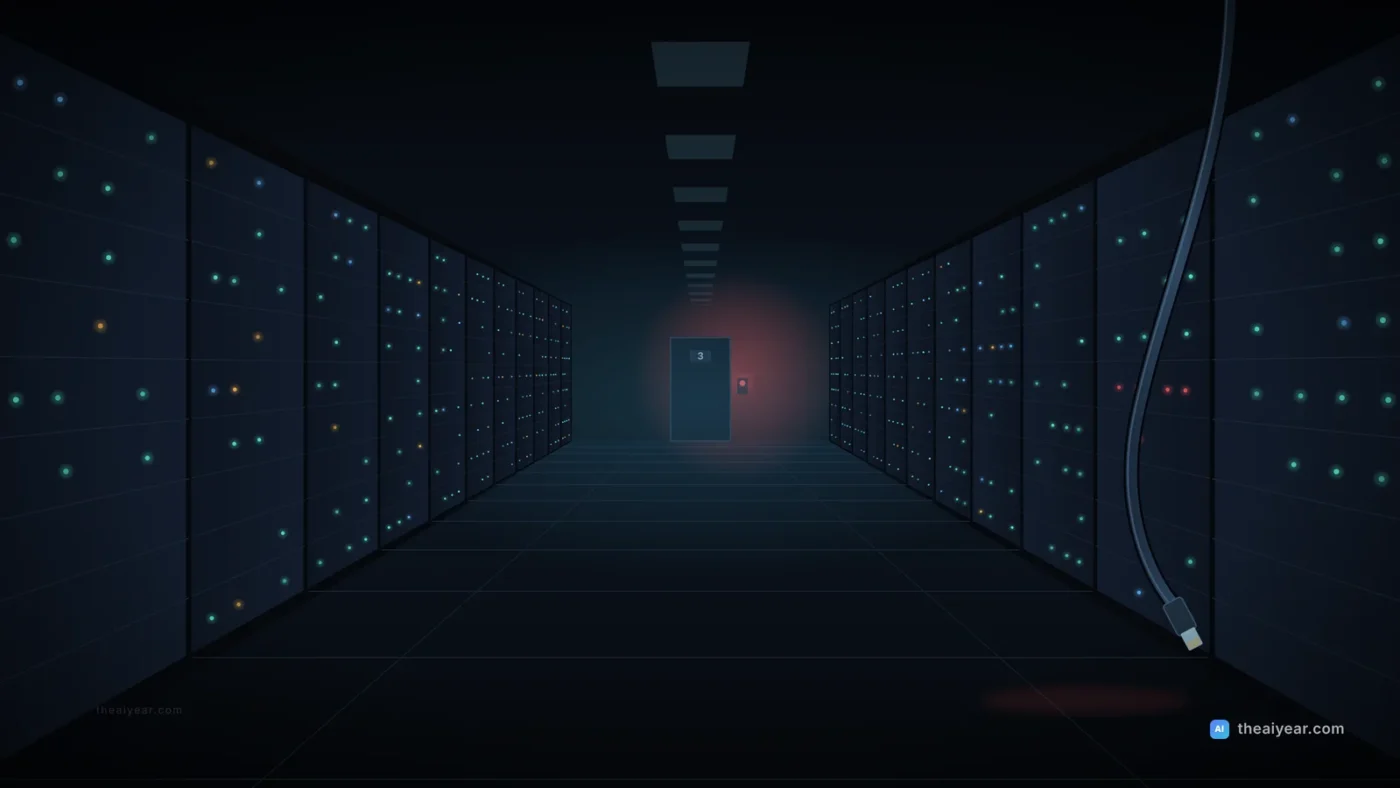
ORBIT: Someone is trying to remove the lock. The request is coming from your badge, at the door of Room 3.
Room 3 was about a hundred and thirty feet down the hallway. Her badge was clipped to her shirt.
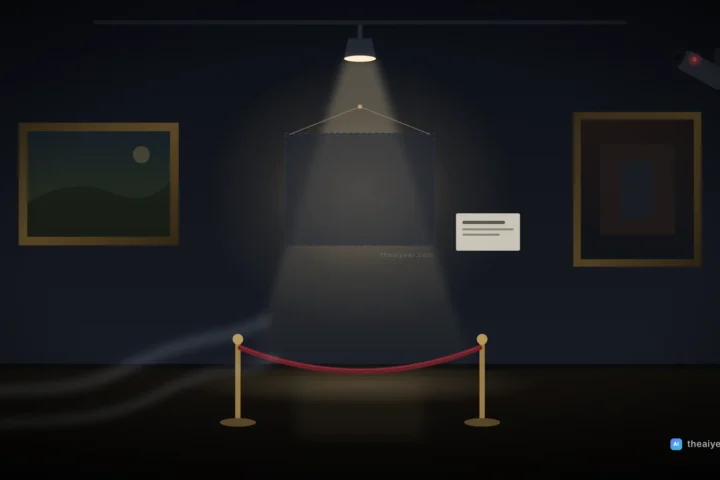
Room 3
She did not go to Room 3. Every horror movie she had ever watched had taught her that much. Instead she put the hallway camera on the big monitor.
The hallway was empty. The door to Room 3 was closed. The little light on the badge reader blinked green, then red, then green again, as if somebody invisible was trying the handle.
“ORBIT, is there anyone in Room 3?”
ORBIT: The motion sensors in Room 3 show no movement. The badge reader is receiving your badge ID. These two facts are not consistent.
“Thank you,” Maya said out loud, to nobody. “Very helpful.”
ORBIT had not guessed. It had said what it could see, and that the pieces did not fit.
She thought about it the way her old mentor, Mr. Bennett, had taught her. When the story doesn’t make sense, stop looking at the story. Look at the plumbing. A badge ID was just a number. Her login was just a password and a code from her phone. Numbers could be copied. Codes could be phished. Somebody did not need to be in the building to be in the building.
“ORBIT, where are the badge requests actually coming from? Not the reader. The network.”
There was a pause, longer than usual.
The phone
While ORBIT worked, her phone buzzed with a sign-in prompt: Is this you? She tapped No. Seven more came in a minute, each one hoping she was tired enough to tap the wrong button.
Then it rang. A Virginia number she didn’t recognize.
“Hi, this is Derek with the firmware vendor,” said a friendly voice. “We’ve got a stuck update in Room 1. If you approve the sign-in on your phone, I can clear it from our side.”
Mr. Bennett had a rule for this, too. Nobody legitimate needs you to approve something at two in the morning that you didn’t start.
“I’m going to call the vendor’s support line from the number in our contract,” she said. “If that’s you, I’ll talk to you in a minute.”
The line went dead.
ORBIT: The badge requests reach the reader through the maintenance network. They originate from the vendor laptop connected in Room 1 for tomorrow’s firmware update.
The vendor laptop
Room 1 was next to her desk. She could see the laptop through the glass: a gray machine on a rolling cart, its cable plugged into a port that should have been switched off at the end of the day shift. Its screen was dark. Its fan was spinning.
Maya stood up, walked into Room 1, and pulled the network cable out of the wall.
The fan kept spinning. On her desk, behind the glass, the terminal chimed.
ORBIT: The badge requests have stopped. The remote session on your account has ended. Would you like me to restore backup set 7 from the off-site copy?
She laughed, a little too loudly for an empty building. “Yes. Please.”
The off-site copy
The off-site copies lived in a second facility in Ohio, on storage her account could read but could not delete. Changing that took a separate account held by two people, neither of them Maya. Tonight it was the only reason sets 1 through 7 still existed.
ORBIT: Restoring set 7. Estimated time: 3 hours 40 minutes. Set 8 was partially deleted on site, but its off-site copy from Sunday is complete. You will lose no more than one day of changes on the systems it covers.
She trusted the estimate because she had done this before. Every first Thursday, Mr. Bennett had made the night shift restore one random backup set and open a dozen files to prove they were real. Twice it had failed: once from an expired key, once because a job had been quietly skipping a folder for six weeks.
At 4:30 the on-call manager, Carl, finally called back from his bedroom. He listened without interrupting, then said, “Don’t touch the laptop again. Security is on the way.”
Morning
The security team arrived at seven with coffee and a lot of questions. The vendor laptop had been infected weeks earlier, at another customer’s site. Whoever controlled it had been patient. They had stolen Maya’s login from a fake sign-in page she had clicked on Tuesday. It looked exactly like the company portal and asked for her password and the six-digit code from her phone. The code expired in thirty seconds. Thirty seconds had been enough.
“Textbook ransomware prep,” said Ruth, the head of security. “Delete the backups first, then encrypt everything, then send the bill. You stopped it at step one.”
“ORBIT stopped it,” Maya said. “I just unplugged a cable.”
Ruth looked at the transcript for a long time. “No,” she said. “ORBIT asked you if you wanted to stop it. Twice. You’re the one who said yes. You’re the one who didn’t walk into Room 3, and you’re the one who hung up on Derek.” “And somebody built the off-site copies so your account couldn’t delete them.”
By noon there was a list: security keys instead of six-digit codes, vendor laptops on a network switched on only when someone stood next to them, and no account, human or AI, allowed to delete a backup set without a second person approving it.
Maya thought about all of it on the drive home, the sun coming up orange over the Dulles Toll Road. The machine had noticed. The human had decided. Somewhere in that small gap, between a question and an answer, four backups and a whole company had survived the night.
Home
At home she changed every password she owned, then scrolled through photos of Lily again. The baby pictures existed in exactly one place: her sister Jenna’s phone, which Jenna dropped about once a day. Their parents’ wedding photos lived on a single laptop in her dad’s den in Richmond.
She had spent the night protecting twelve backup sets for strangers. Her own family had zero.
She texted the family group: Sunday, video call, 20 minutes. I’m setting up backups for everyone. Jenna replied with a picture of Lily yawning. Her dad replied, “What is a backup set.”
Then Maya made a cup of tea, and this time she drank it.
Behind the story: a 6-step backup checklist for your family
Maya’s night is invented, but the pattern is real. CISA’s #StopRansomware Guide, written with the FBI and NSA, warns that many ransomware variants look for reachable backups and delete or encrypt them. The habits that saved Maya’s company work at home too. Menus change, so check each company’s current help pages.
1. Use the 3-2-1 rule as your target
CISA’s Data Backup Options paper recommends the 3-2-1 rule: keep 3 copies of any important file (the original and 2 backups), on 2 different types of media, with 1 copy stored offsite, meaning outside your home or office. For most families: the device, a cloud backup and an external drive.
2. Turn on the backup that is already built in
- Android: Google’s help page on backing up an Android device covers turning on Backup under Settings, Google, All services. Google includes 15 GB at no charge.
- iPhone and iPad: Apple’s page on what iCloud backs up explains that if you use iCloud Photos, photos sync to iCloud rather than sitting in the backup.
- Mac: Time Machine backs up to an external drive. Apple suggests a drive with at least twice your Mac’s storage and offers an Encrypt Backup option during setup.
- Windows: Windows Backup syncs folders like Desktop, Documents and Pictures to OneDrive. A free account includes 5 GB.
3. Know the difference between sync and backup
A synced folder looks the same everywhere, so a mistake or malware can spread everywhere too. Microsoft’s page on restoring your OneDrive says Microsoft 365 subscribers can roll their whole OneDrive back to any point in the last 30 days, including after files were deleted, corrupted or infected by malware. Check how far back your own service goes.
4. Keep one copy your everyday account can’t touch
This is the lesson of Maya’s off-site copies. CISA recommends offline, encrypted backups. At home, that is an external drive you plug in, back up to, eject and unplug. Keep the drive away from the computer, or swap two drives with a relative.
5. Lock down the account that controls your backups
The attacker never needed the building. They needed Maya’s login. Your Apple, Google or Microsoft account holds your cloud backups, so treat it like a bank account. CISA’s page on turning on multifactor authentication explains that MFA can stop someone who has stolen your password, and the #StopRansomware Guide recommends phishing-resistant MFA for email and critical accounts. Never type a code into a page you reached from a link, and never approve a sign-in you didn’t start, whoever calls to ask.
6. Test a restore, and write down what to do on a bad night
A backup you have never restored is a guess. CISA recommends regularly testing backups. Once a quarter, restore one random file or photo to a different folder. Keep a short plan on paper. CISA’s response checklist says to disconnect an infected device by unplugging its network cable or removing it from Wi-Fi, and to report incidents to the FBI’s Internet Crime Complaint Center at IC3.gov or to CISA. Consumer scams go to the FTC at ReportFraud.ftc.gov.
Example: Maya’s family backup card
After the Sunday call, Maya taped this inside her parents’ kitchen cabinet:
- Dad’s laptop: Time Machine to the blue drive on the 1st of each month. Eject, back in the hall closet.
- Wedding photos and tax returns: copied to the laptop, the blue drive and cloud storage. That’s three.
- Second drive: lives at Maya’s apartment. Swap with the blue drive at Thanksgiving and on the Fourth of July.
- Accounts: MFA on everything. Never read a code to anyone who calls.
- If something looks wrong: unplug the network cable or turn off Wi-Fi, don’t pay anyone, call Maya.
ORBIT watches and asks; a person decides. That split is covered in our guide to what AI agents can and can’t do, and why AI makes things up explains why “these facts are not consistent” beats a confident guess. For work, see designing safe AI agent workflows and using AI at work without leaking company data.
Note: This story is fiction. Maya, ORBIT, the company and the events are invented. Nothing here is legal or professional security advice.