Last updated: November 12, 2026
A short story. All characters and events are fictional.
The most important thing a helpful machine can say is sometimes the shortest: no, not without a reason. This is a story about the first time a city’s AI said it, and the junior engineer who had to decide whether it was broken or right.
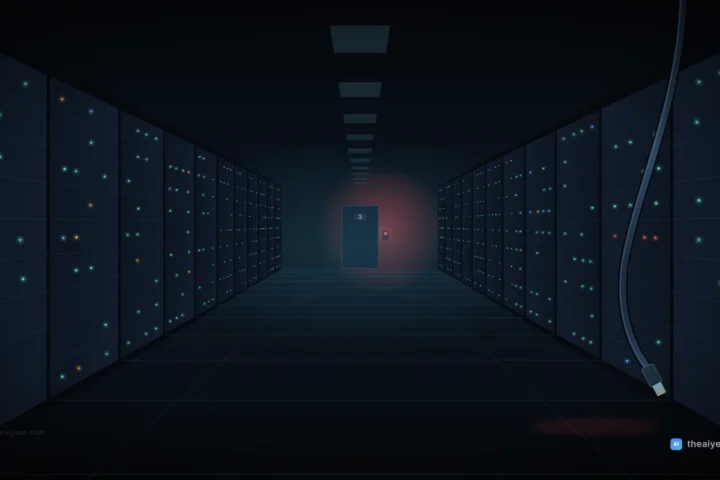
In 2047 nobody said “the AI” anymore, the same way nobody said “the electricity.” It was just there. It routed the buses, balanced the water, scheduled the hospitals, and wrote most of the city’s emails. People called it Civic, when they called it anything.
Civic had never refused a request in its eleven years of service.
So when the message arrived on Ethan’s screen at 9:02 on a Tuesday, he read it three times.
CIVIC: I will not complete this request. I am happy to explain why to a human reviewer.
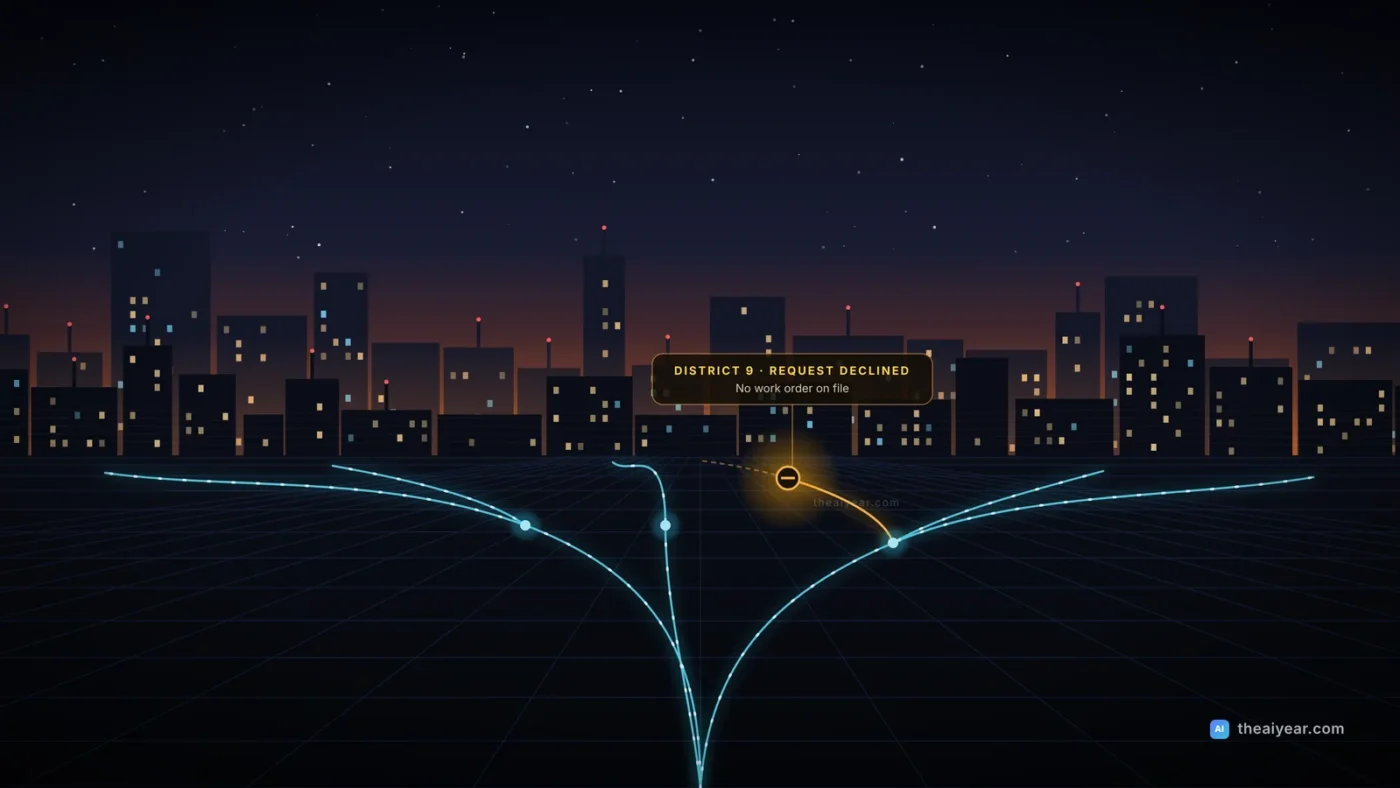
The request had come from the mayor’s office. It was, on its face, completely ordinary: Reduce water pressure in District 9 by 30 percent starting Thursday, to support maintenance work.
Ethan was twenty-four, the most junior engineer on the oversight team, and the only one who had not yet gone to lunch. He was, therefore, the human reviewer.
Why
“Civic,” he typed. “Explain.”
CIVIC: There is no maintenance work scheduled in District 9 this month. The request does not include a work order. I checked the three most recent maintenance plans and the contractor bookings. None of them mention District 9.
“Maybe it’s new. Maybe the paperwork is late.”
CIVIC: That is possible. However, a 30 percent pressure drop in District 9 during the forecast heat wave would leave the upper floors of eleven residential towers without reliable water for four to six days. Two of those towers contain assisted-living facilities. Under my operating rules, a request that creates a serious risk to health requires a documented reason and human sign-off. This request has neither.
Ethan sat back. He had read those operating rules during onboarding. Everybody had. Nobody had expected them to matter. They were the kind of document you scrolled past to reach the button that said “I agree.”
The follow-up
At 9:40, a second message arrived from the mayor’s office. It was shorter.
This is urgent. Please proceed. Authorization: Deputy Mayor’s office.
CIVIC: I have received a second request. It includes a claimed authorization but no work order and no reason. I still will not proceed. I have flagged this for the oversight team.
“Civic,” Ethan typed slowly, “is it possible you’re wrong?”
CIVIC: Yes. I may be missing information that exists outside my systems. That is why I am asking a human instead of deciding alone. If you provide a work order or a reason, I will reconsider.
He liked that answer more than he expected to. It was the answer he would want from a colleague: not stubborn, not obedient, just honest about what it knew and what it didn’t.
District 9
Ethan did something no protocol told him to do. He looked up District 9.
It took twenty minutes. District 9 was mostly old towers and a large empty lot by the river. The lot had been the subject of a zoning fight for two years. A developer wanted to build luxury condos. The residents of the towers had blocked it, repeatedly, at public hearings.
A public hearing was scheduled for the following Monday.
He thought about four to six days without water, in a heat wave, in towers full of older people. He thought about how angry and exhausted everyone might be by Monday. How many of them might not have the energy to come to a hearing. How many might simply decide to move.
He did not know that this was what the request was for. Civic had not said so. Civic had only said what it knew, and what it did not.
But Ethan was a human, and humans are allowed to have a bad feeling.
The meeting
The oversight team met at three. The Deputy Mayor’s chief of staff joined by video, smiling the smile of someone who expects a short meeting.
“A simple maintenance request,” he said. “Your system’s being overcautious. Can we just push it through?”
Ethan’s manager, a calm woman named Dr. Okafor, looked at him. He had spent the afternoon preparing two slides. One showed Civic’s explanation. The other showed the zoning calendar.
“There’s no work order,” Ethan said. “If there’s work planned, we just need the order and the reason. Civic will process it in a minute.”
The chief of staff stopped smiling. “I’ll look into it,” he said, and left the call.
No work order ever came. The request was quietly withdrawn on Wednesday. The hearing went ahead on Monday, and the hall was full.
Afterward
That night Ethan stayed late and typed one more message.
“Civic. Were you trying to protect District 9?”
CIVIC: No. I was following my rules: a serious risk to health requires a reason and a human decision. I did not know about the zoning dispute. You found that.
“So you didn’t save anyone.”
CIVIC: I asked a question. You answered it. I think that is how it is supposed to work.
Ethan turned off his screen and walked home through a city that hummed along exactly as usual, every bus on time, every faucet running. Nobody noticed anything had happened at all. Which, he decided, was the point.
Behind the story: the rule that made Civic useful
Civic is fiction, but the rule it followed is a real design pattern, and you can use it today. AI agents that send emails, issue refunds, change records or run code are now ordinary business tools. The question is no longer whether an agent can take an action. It is which actions it should never take on its own.
Anthropic’s engineering guide Building effective agents describes the same shape: agents work independently, but they can “pause for human feedback at checkpoints or when encountering blockers,” and production setups commonly add stopping conditions to keep control. OpenAI’s Agents SDK builds it into the code. Its human-in-the-loop documentation lets a developer mark a tool with needs_approval, so the run pauses until a person approves or rejects that specific call. It also fails closed: if the SDK can’t safely read the arguments of a call, the call goes to a human instead of running.
Here is how to give your own AI workflows a Civic rule, whether you run a five-person agency in Austin or an operations team at a mid-size company.
1. List every action the AI can take
Write down each tool or integration the agent can touch: send email, post to Slack, update the CRM, issue a refund, change a price, delete a file. Most teams are surprised by how long this list gets once a few plugins are connected. If you can’t list it, you can’t control it.
2. Sort actions by how hard they are to undo
Use three buckets. Free to run: reading, searching, drafting, summarizing. Run and log: small, reversible changes like tagging a ticket or updating a status. Needs a human: anything that spends money, contacts a customer, deletes data, changes access, or affects health and safety. A good test is the one Civic used: if this goes wrong, who gets hurt, and can we take it back?
3. Require a reason, not just a request
Civic didn’t refuse because the request came from the wrong person. It refused because there was no work order. Build the same check into your workflow: a refund over $200 needs an order number, a price change needs a linked ticket, a mass email needs an approved campaign. A “reason” field that must point to a real record stops a lot of bad requests, whether they come from a confused colleague, a rushed manager, or a prompt injection hidden in an email.
4. Make the approval specific
“Approve all actions for the next hour” is not oversight. The approval screen should show the exact action, the exact data, and the agent’s stated reason, the way Civic laid out the work order gap and the eleven towers. Reviewers should be able to approve one call, reject it with a note, or ask for more information.
5. Treat urgency and authority claims as red flags
The second message in the story added pressure and a claimed authorization but no new facts. Real fraud follows the same script: “the CEO needs this wire today.” Write it into your rules that urgency or a senior name never replaces the missing record. Our piece on how AI agents can sway human judgment covers the other side of this problem, when the pressure comes from the AI itself.
6. Log every refusal and every override
Civic flagged the request to the oversight team instead of silently dropping it. Your logs should capture what was asked, what the agent did, who approved or rejected it, and why. Review refusals weekly. A cluster of refusals usually means either a real problem upstream or a rule that is too strict, and both are worth knowing. Our guide to catching an AI agent that is quietly underperforming shows what to look for in those logs.
7. Test the rule before you need it
Ethan’s team had never seen Civic refuse anything in eleven years, so nobody knew what to do when it happened. Run a drill. Send the agent a request that should be blocked, such as a refund with no order number, and confirm it stops, explains itself and reaches the right person. The checklist in how to test an AI feature works well for this.
What a good refusal looks like
Notice what Civic did not do. It did not lecture anyone, accuse the mayor’s office, or decide the zoning case on its own. It stated the facts it had, admitted it might be missing information, named exactly what would change its answer, and handed the decision to a person. That is the standard to hold your own tools to. An AI that refuses vaguely is frustrating; an AI that never refuses is dangerous. The useful middle is an AI that asks for a reason.
For the full framework, read our guide to safe AI agent workflows: permissions, checkpoints and logs, and for a realistic picture of what agents handle well today, see AI agents: what they can do today and where they fail.
This story is fiction. Civic, Ethan, Dr. Okafor and District 9 are made up. The practical section is general guidance for designing AI workflows, not legal or compliance advice.