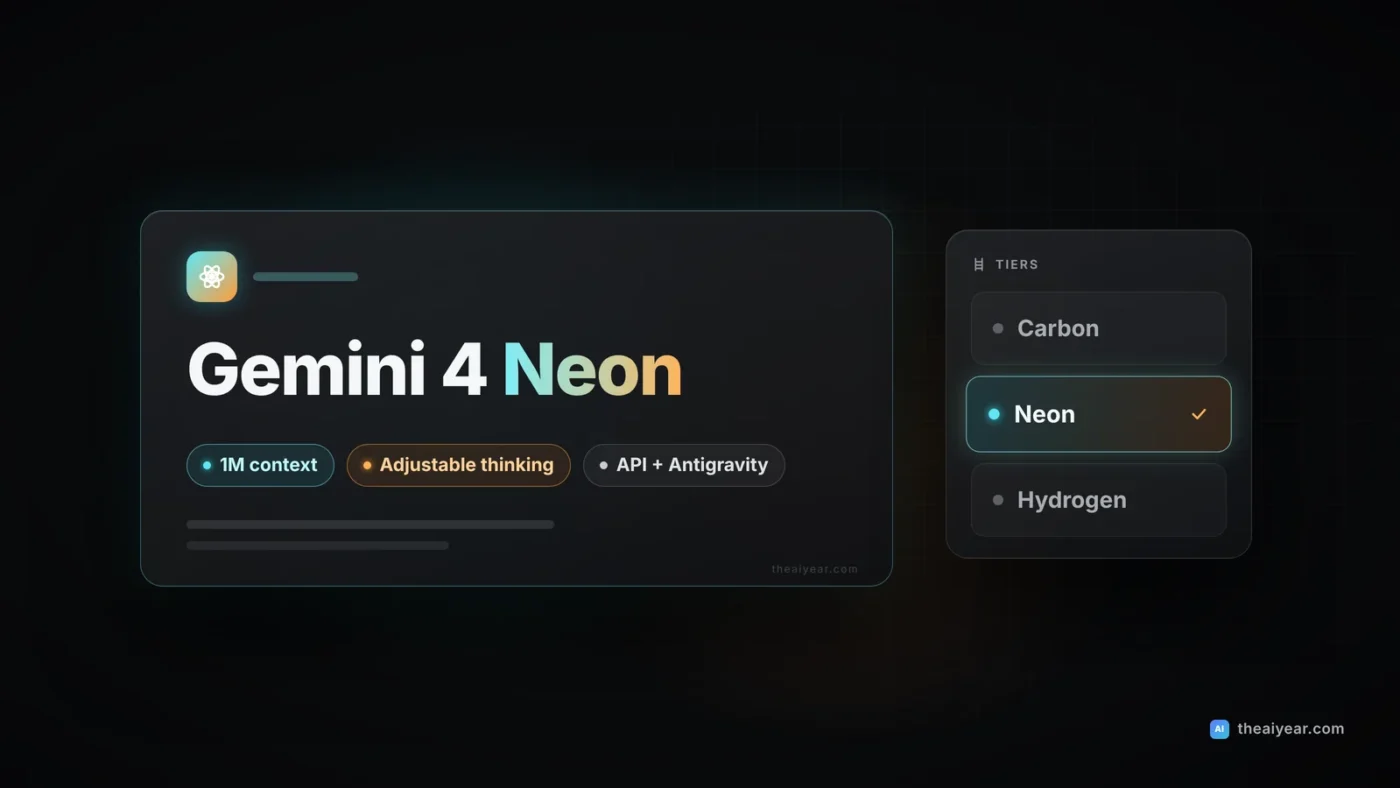
Google released Gemini 4 Neon on November 18, 2026, a week after Gemini 4 Carbon and Hydrogen. Neon is the middle model in the lineup: Google says it gives you near-Carbon reasoning at lower cost and higher speed. It costs $3 per million input tokens and $15 per million output tokens, and it scores well on both Google’s benchmarks and some independent ones. It isn’t the cheapest option, though. And for the next ten days it costs more per token than Carbon. Here is what’s confirmed, how it compares, and how to test it.
What Google released
According to Google’s announcement, Neon is “built for complex coding, analytical reasoning, and production-grade enterprise workflows.” Google’s own summary of the family: Carbon is for your hardest, long-horizon projects, Hydrogen handles fast everyday work, and Neon “balances depth and efficiency.”
The DeepMind model card says Neon is adapted from Gemini 4 Carbon. It accepts text, images, audio and video. Input, thinking and output share one 1M-token context window. Responses default to 64K output tokens and can run up to 1M through background long decode. The knowledge cutoff is March 2026. Neon has four thinking levels, low, medium, high (the default) and xhigh, so you can trade intelligence against token spend for each workload.
Pricing next to the rest of the lineup
Paid-tier API rates per 1 million tokens, from the Gemini API pricing page and Anthropic’s pricing page. GPT-6.2 rates come from our GPT-6.2 Astra and Sol breakdown.
| Model | Input | Cached input | Output |
|---|---|---|---|
| Gemini 4 Hydrogen | $1.50 | $0.075 | $7.50 |
| Gemini 4 Neon | $3 | $0.15 | $15 |
| Gemini 4 Carbon (through Nov 30) | $2 | $0.10 | $10 |
| Gemini 4 Carbon (from Dec 1) | $4 | $0.20 | $20 |
| Claude Opus 5.5 | $4 | $0.20 | $20 |
| GPT-6.2 Sol | $2 | $0.10 | $10 |
| GPT-6.2 Astra | $8 | $0.40 | $40 |
Some fine print matters. Neon is not available on the free API tier. Thinking tokens are billed as output. Caching is implicit only, so you can’t explicitly pin a prompt in the cache. Google lists a single flat rate, so there’s no long-context price jump like GPT-6.2’s 272K rule. Carbon’s promotional pricing ends November 30. After that, Neon is 25% cheaper than Carbon per token, as 9to5Google points out.
Why it matters
The benchmarks are strong, with caveats
Google’s model card compares Neon with Claude Opus 5.5 and GPT-6.2 Sol. On the Artificial Analysis Intelligence Index, Neon scores 61, Opus 5.5 59 and Sol 57. On the Vals Index, the numbers are 70.9%, 70.1% and 66.1%. Neon doesn’t win everywhere. Opus edges it on Terminal-Bench 4.1 (65.8% vs 65.2%) and FrontierCode 2.0 (47.3% vs 46.2%), and Sol leads on Chartography (75.1% vs 73.5%). The biggest gap is long context: on GraphWalks at 256K to 1M tokens, Neon scores 95.2% against 66.8% for Opus and 80.1% for Sol.
The setup around the model can matter as much as the model. On SWE-sweep, Neon scores 12.8% with the generic mini-SWE harness and 39.0% inside Google Antigravity. It’s the same model with a different harness. VentureBeat says that threefold spread is a better reason to test Neon in your own agent stack than any leaderboard rank, and I agree.
It thinks a lot at xhigh
The Artificial Analysis model page confirms the score of 61 at xhigh. It also calls Neon “notably slow per task and very verbose” at that setting. Neon produced 283M output tokens on the index, against a median of 65.4M, and averaged 21.5 minutes per task, against a median of 12.4. Since thinking tokens are billed as output, xhigh is something to save for your hardest tasks. Google’s own cost-per-task claims are mostly made at the default high level.
An independent index puts it first
The Models Engineering Index is an independent, single-maintainer ranking built from published coding benchmark results. It surfaced on Hacker News this week. It ranks Neon #1 at 68.0, ahead of Claude Fable 5.2 (65.3), GPT-6.2 Astra (61.5), Gemini 4 Carbon (61.4) and Opus 5.5 (61.1). The creator says there are no error bars, small gaps aren’t meaningful, and results are reproduced as published rather than verified. Treat it as one useful signal, not a verdict.
Who should use which model
| If you need | Start with | Why |
|---|---|---|
| High-volume chat, summaries, simple agents | Gemini 4 Hydrogen or GPT-6.2 Sol | 33% to 50% cheaper per token than Neon |
| Multistep coding agents, repo-wide debugging | Gemini 4 Neon (high) | Opus-level coding scores at lower list price |
| Huge mixed inputs (video, audio, PDFs, sheets) | Gemini 4 Neon | 1M window across all four input types, top GraphWalks score |
| Your hardest, long-horizon projects | Gemini 4 Carbon, GPT-6.2 Astra or Opus 5.5 | Google itself positions Carbon above Neon here |
For a deeper framework, see our guide on how to choose an AI model.
A quick cost example
Take a hypothetical eight-person SaaS team in Denver running a coding agent on 5,000 tasks a month. Each task uses 40,000 input tokens (30,000 of them cache hits) and 4,000 output tokens, including thinking. At list prices, ignoring cache-write fees:
| Model | Per task | Per month |
|---|---|---|
| Gemini 4 Hydrogen | about $0.047 | about $236 |
| GPT-6.2 Sol | about $0.063 | about $315 |
| Gemini 4 Carbon (through Nov 30) | about $0.063 | about $315 |
| Gemini 4 Neon | about $0.095 | about $473 |
| Gemini 4 Carbon (from Dec 1) or Opus 5.5 | about $0.126 | about $630 |
This assumes every model uses the same number of tokens, and they won’t. Neon only beats Sol on cost if it finishes in meaningfully fewer tokens or saves review time. Measure that yourself.
How to try it
- Developers: call
gemini-4-neonon the paid Gemini API tier from Google AI Studio or Android Studio. - Google AI Pro and Ultra subscribers: pick Neon from the model menu in the Gemini app (“Deeper analysis,” per 9to5Google, where it takes Argon’s slot), try it in AI Studio, or use it in Google Antigravity on a paid plan.
- Businesses: it’s in Gemini for business through the API or model drop-down.
- Security teams: a cyber-tuned version reaches eligible Fairwind Program members over the coming days, through your Google Cloud account team.
Migration and testing checklist
- Replay 100 to 200 real tasks on your current model, Neon at high, and Hydrogen. Log tokens, cost, latency and pass rate.
- Test thinking levels separately. Use xhigh only where high actually fails.
- Test inside your real harness. The SWE-sweep gap shows that agent tooling can swing results threefold.
- Check cache hits in your usage logs. Implicit caching only helps if your prompts share stable prefixes. Our context windows explainer covers keeping prompts lean.
- Re-run your Carbon math on December 1, when its price doubles.
Bottom line: Neon is the best new default for serious coding and multimodal agent work on Google’s stack, especially after December 1. If most of your traffic is simple, Hydrogen or Sol is still cheaper, so route only your hard tasks to Neon.